File Encryption with AES in OpenSSL
 Alexander Myasnikov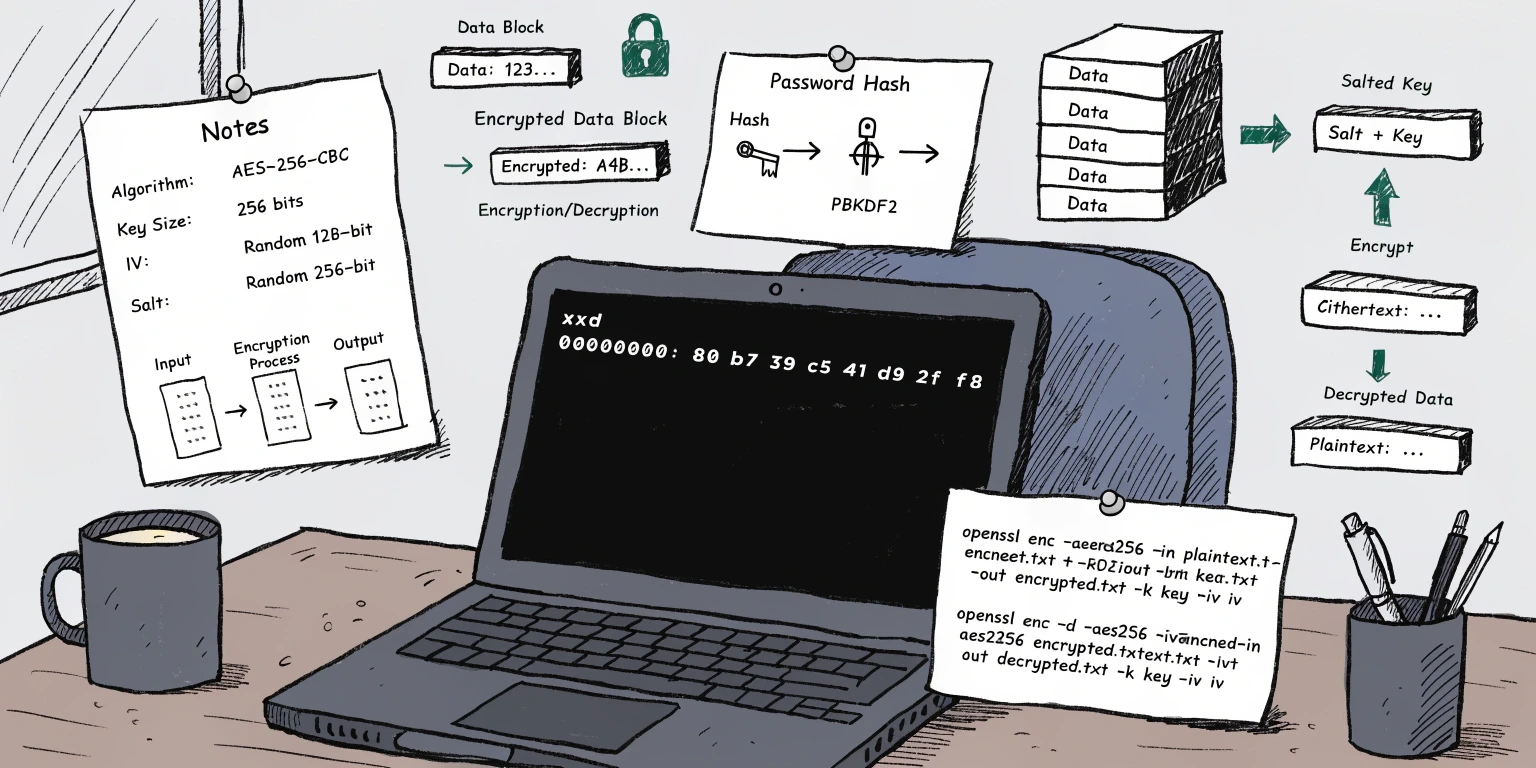
1 File Encryption with AES in OpenSSL
In this article, we will explore how to encrypt and decrypt a text file using OpenSSL and the AES-256-CBC algorithm.
We will look at two approaches:
- Using an explicit Key and IV (Initialization Vector).
- Using a password with PBKDF2, which automatically derives the key and IV from a password and a random salt.
2 Encryption
First, let’s create a small text file for encryption:
❯ echo "Encrypt this message using OpenSSL now" > message.txtVerify the file content:
❯ cat message.txt | xxd

00000000: 456e 6372 7970 7420 7468 6973 206d 6573  Encrypt this mes
00000010: 7361 6765 2075 7369 6e67 204f 7065 6e53  sage using OpenS
00000020: 534c 206e 6f77 0a                        SL now.
Generate a 32-byte key (256 bits) and a 16-byte initialization vector (IV):
IV=$(openssl rand -hex 16)
KEY=$(openssl rand -hex 32)


❯ echo $KEY $IV

9cfb54c0c2b5dd866ac0c0a7abd6b8c688bdca45c1f3aa132c008c71df4b24c6 30171b9a66eab28b098d4dd19e89ce85
Encrypt the file using AES-256-CBC with the generated parameters:
❯ openssl enc -aes-256-cbc -in message.txt -out message.bin -K $KEY -iv $IVLet’s inspect the output:
❯ cat message.bin | xxd

00000000: e6bb 1d11 a342 c6cf 7060 ab3d bb32 f177  .....B..p`.=.2.w
00000010: ea02 9939 889c 0125 a13e 3f14 5575 55c3  ...9...%.>?.UuU.
00000020: 30f1 69ca 92d7 0204 f6b2 777a 7316 363f  0.i.......wzs.6?
The encrypted file size is a multiple of 16 bytes (the AES block size).
The message is automatically padded using PKCS#7 to ensure the final block is complete.
3 Decryption
Use the same Key and IV to restore the original message:
❯ openssl enc -d -aes-256-cbc -in message.bin -out message.dec -K $KEY -iv $IV


❯ cat message.dec | xxd

00000000: 456e 6372 7970 7420 7468 6973 206d 6573  Encrypt this mes
00000010: 7361 6765 2075 7369 6e67 204f 7065 6e53  sage using OpenS
00000020: 534c 206e 6f77 0a                        SL now.
The message.txt and message.dec files are identical. Success!
4 Password-Based Encryption (PBKDF2)
Instead of manually providing a hex key and IV, we can use a human-readable password.
When using the -pbkdf2 flag, OpenSSL handles the transformation of the password into a Key and IV using a random salt.
Encrypt the file using the password MySecret123:
❯ openssl enc -aes-256-cbc -in message.txt -out message.bin -pass pass:MySecret123 -pbkdf2Inspect the message.bin file:
❯ cat message.bin | xxd

00000000: 5361 6c74 6564 5f5f e094 28d7 3836 c966  Salted__..(.86.f
00000010: b25e deb6 fb4b 1e16 e0ce 2b01 d9aa 68eb  .^...K....+...h.
00000020: 0e2d ca6f fe3f 47ad c135 379b 7be1 45f9  .-.o.?G..57.{.E.
00000030: 9d48 3557 4813 1a48 0030 991e 7eac dc7a  .H5WH..H.0..~..z
File Structure:
- First 8 bytes:
Salted__— A magic marker indicating salt-based encryption. - Next 8 bytes: The random salt (
0xe09428d73836c966) used by PBKDF2. - Remaining bytes: The actual encrypted payload.
Because the salt is unique for every encryption operation, the output file will be different every time, even if you use the same password.
4.1 Password-Based Decryption
To decrypt the file:
❯ openssl enc -d -aes-256-cbc -in message.bin -out message.dec -pass pass:MySecret123 -pbkdf2Verify:
❯ cat message.dec | xxd

00000000: 456e 6372 7970 7420 7468 6973 206d 6573  Encrypt this mes
00000010: 7361 6765 2075 7369 6e67 204f 7065 6e53  sage using OpenS
00000020: 534c 206e 6f77 0a                        SL now.
5 Extracting Key and IV from a Password
Sometimes you need to know the exact hex Key and IV that OpenSSL derived from a password and salt.
This is useful for debugging or for use in other applications that don’t support the “Salted__” format.
To view the derived parameters:
❯ openssl enc -aes-256-cbc -pass pass:MySecret123 -pbkdf2 -P -S e09428d73836c966

salt=E09428D73836C966
key=F235FFB8CCB67EE4B7862BE9538229F4DF132335F26DE6EEC5602F94F4B8EC13
iv =E3C3C758EE36C702954E9196F24DB962
Save parameters:
❯ KEY=F235FFB8CCB67EE4B7862BE9538229F4DF132335F26DE6EEC5602F94F4B8EC13
❯ IV=E3C3C758EE36C702954E9196F24DB962
If you want to decrypt the file manually using these values, remember that you must skip the first 16 bytes (the marker and the salt) of the message.bin file:
❯ dd if=message.bin bs=1 skip=16 status=none | openssl enc -d -aes-256-cbc -K $KEY -iv $IV | xxd

00000000: 456e 6372 7970 7420 7468 6973 206d 6573  Encrypt this mes
00000010: 7361 6765 2075 7369 6e67 204f 7065 6e53  sage using OpenS
00000020: 534c 206e 6f77 0a                        SL now.